


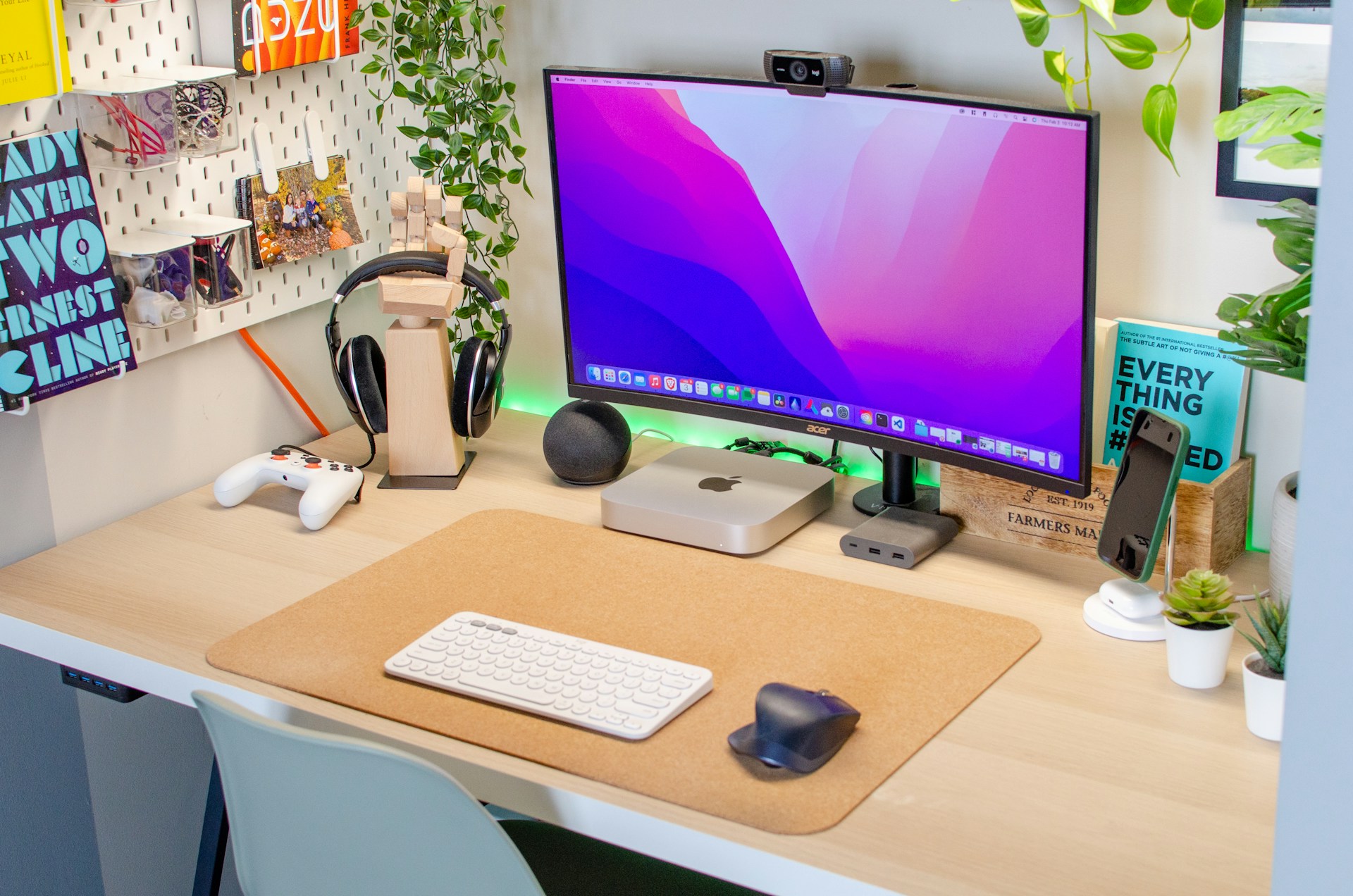
Clear communication and smooth cooperation are essential in the modern workplace, especially when working with remote teams. Furthermore, some laptops come without built-in cameras, leading to a significant demand for webcams. Having a reliable and good webcam is vital for designers to interact with clients, teams, and other stakeholders, as a high-quality camera may significantly improve the virtual communication experience and aid in elevating presentations.
However, a good webcam can provide both visual and audio quality for video conferences. Since reliable webcams record 1080p and even 4K resolutions, and some are equipped with noise-cancelling microphones, they are ideal in crowded areas with lots of background noise. These are external devices that are usually attached to USB ports, reducing the installation of annoying drivers.
Microsoft LifeCam Studio 1080
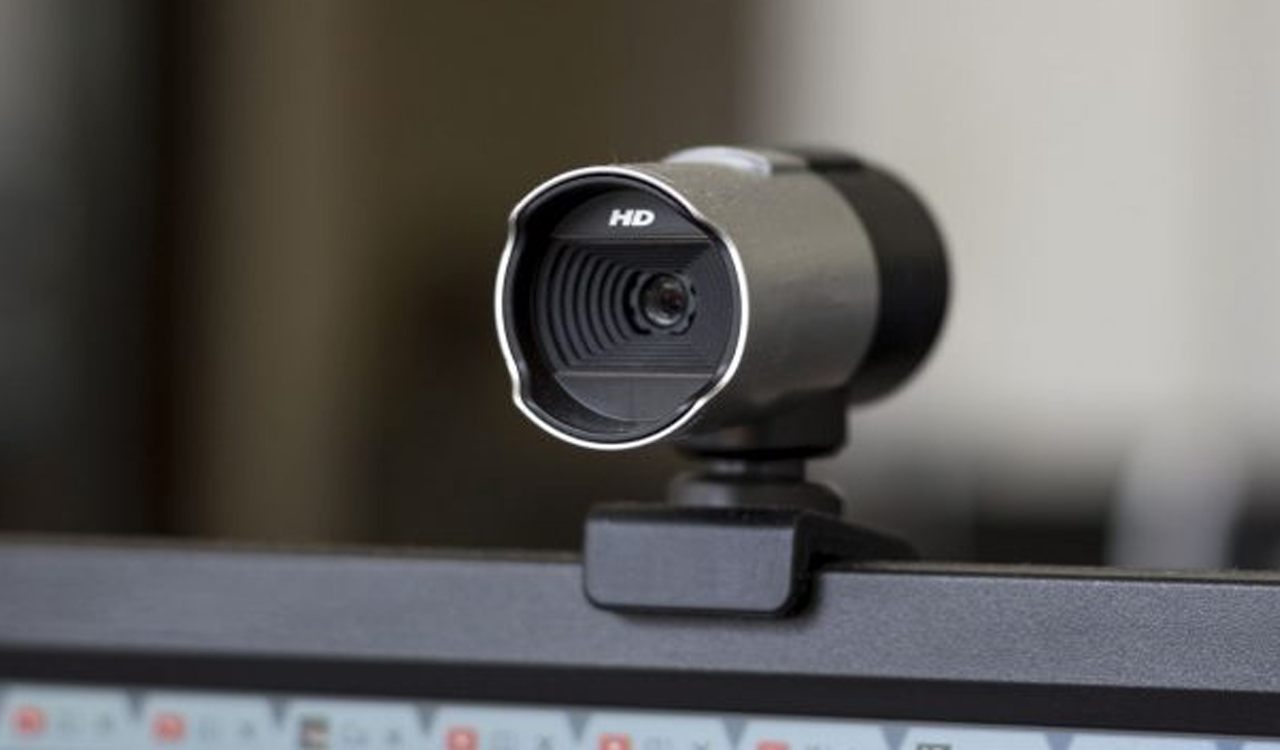
Since 2010, Microsoft has marketed the LifeCam studio, a brand of webcams for PC users. Microsoft offers a variety of webcam types, including the LifeCam series, for both laptops and desktop computers. The Universal Attachment Base, a circular base, and a spherical body design differentiate this type. All webcams in this series connect via USB. The LifeCam Studio is renowned for its smooth autofocus and true colour technology. One of the distinctive features is the integration with Windows Live Messenger, which includes a Windows Live Call button that can be used to quickly begin a video call.
Dell UltraSharp Webcam
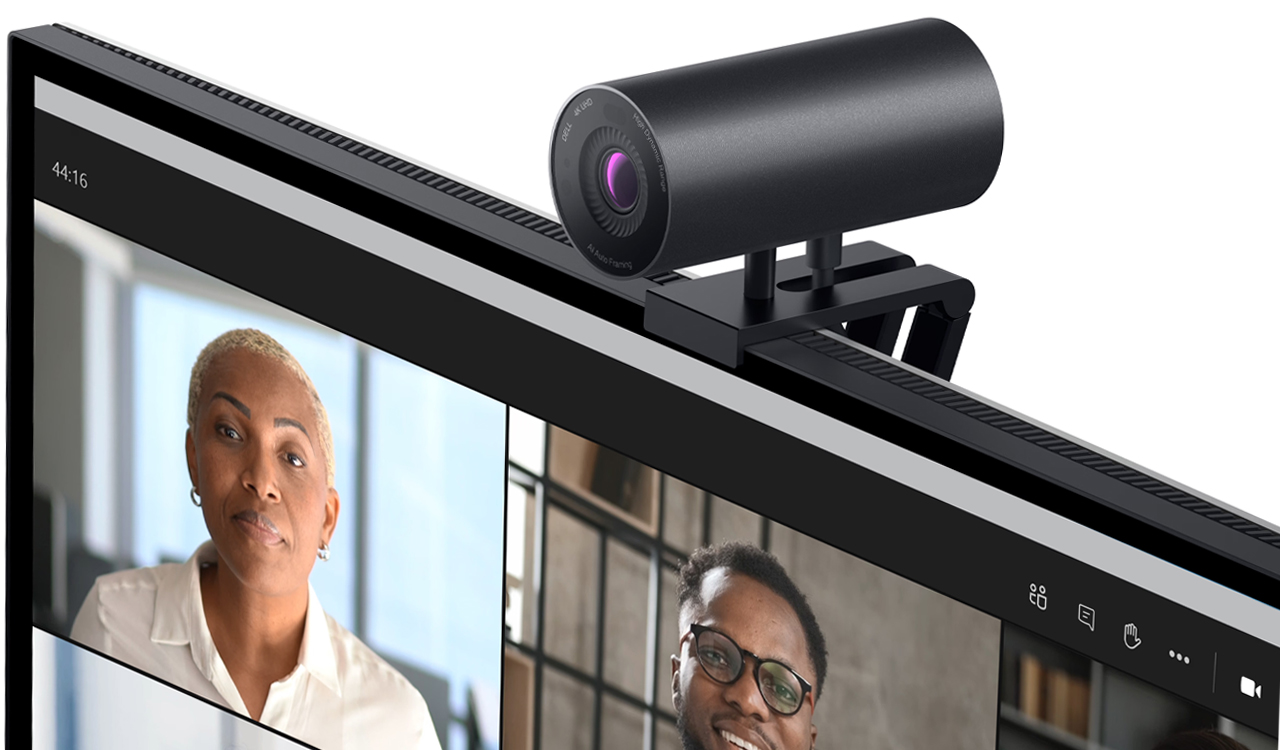
Dell’s UltraSharp is one of the slickest webcams announced in 2021. It has a cylindrical design and is made of gunmetal aluminium. The USB-C cable and mount connections are located on the cylinder’s underside. The UltraSharp webcam can record 4K video (3,840 by 2,160 pixels) at 24 or 30 frames per second, or 1080p or 720p video at 24, 30, or 60 frames per second. In addition, the webcam features face-tracking, auto-framing, auto-focus, and auto-white balance, which can monitor the face and digitally zoom to maintain it in the centre of the picture.
Lenovo 500 FHD
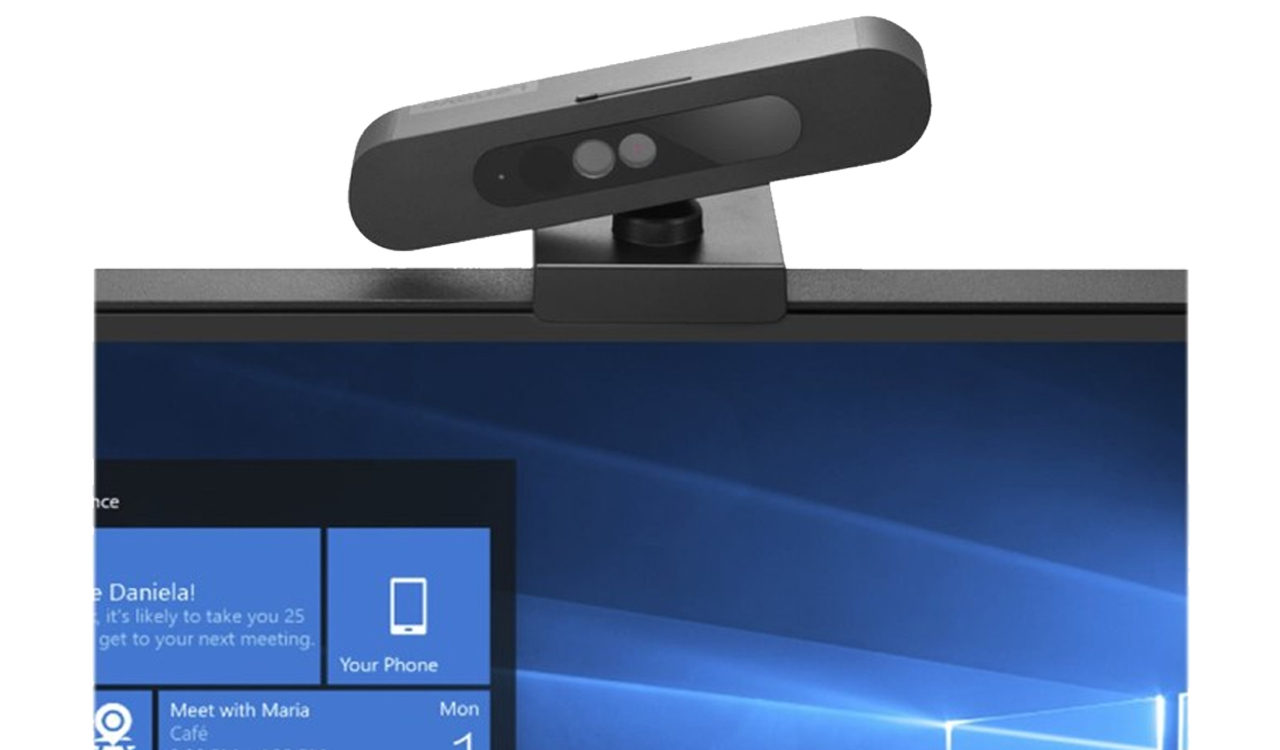
In 2020, Lenovo announced the 500 FHD, a 1080p webcam that connects to normal Type-A USB ports via a wire with a USB-C interface. The webcam can manually pan 360 degrees in addition to capturing 75-degree wide-angle views. The camera has a hinged mount that makes it simple to clip onto nearly any display, and it also features a tripod mounting hole. There’s also a manual privacy shutter and built-in face recognition. The webcam’s ability to precisely and clearly record every detail makes it ideal for use in video conferences and full HD video streaming.
HP HD 4310
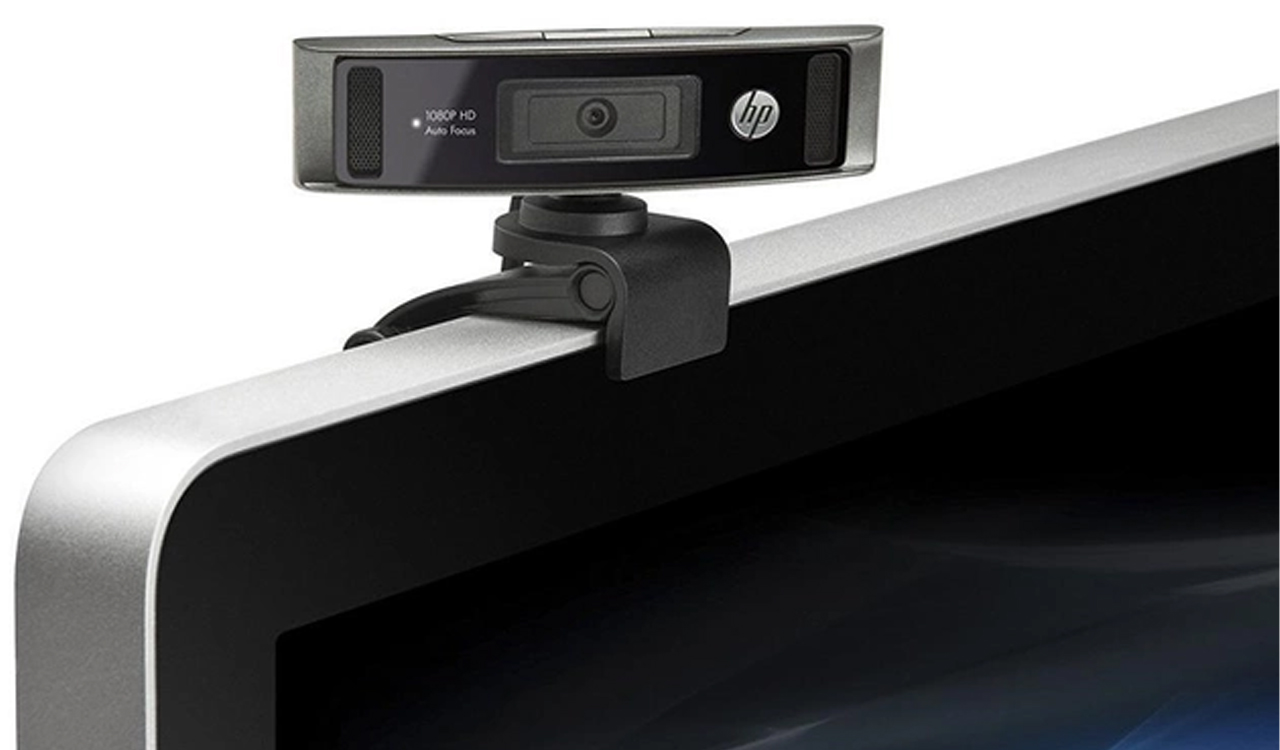
The HP HD 4310 webcam, introduced in 2018, has autofocus and Carl Zeiss optics, resulting in excellent video quality and seamless performance. The webcam has a universal clip that allows it to be installed on a tripod, laptop, or computer screen. It includes the HP Instant Image Capture button, which allows to click photos with a webcam with only one tap. The integrated, 360-degree microphone with noise suppression improves sound quality and clarity. Furthermore, the webcam can record in full HD definition, resulting in crisp, clear images for video conferences, streaming, and design presentations.
Asus ROG Eye GC21 1080p
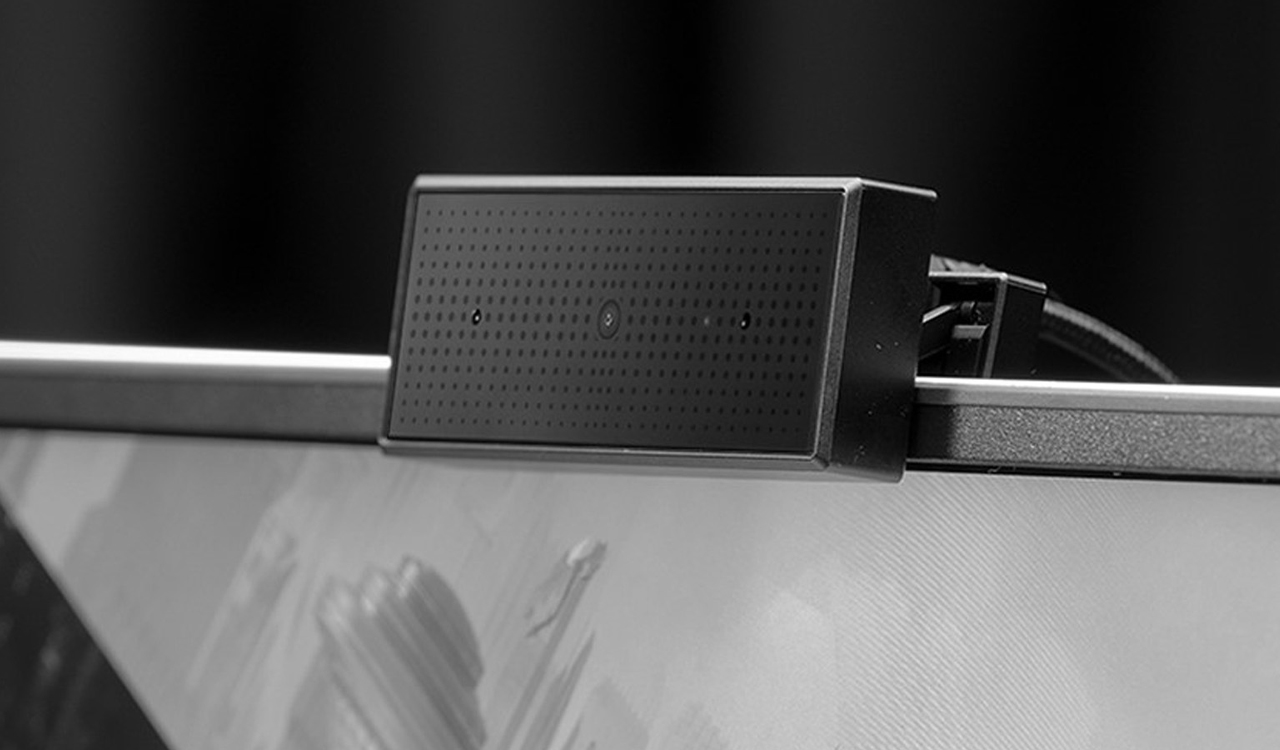
Asus released the GC21 webcam in 2019. The webcam provides details that are sharp and crisp in full HD quality, with accurate and quick autofocus. The GC21 requires a USB cable to connect. With the use of Wide Dynamic Range (WDR) technology, overexposure can be avoided even in backlit environments by capturing and mapping both background and foreground features. The total audio quality is enhanced by the embedded dual microphones, which reduce background noise. GC21 is a stylish and functional combination that also provides RGB lighting that can be customized to fit the configuration.
AUKEY FHD
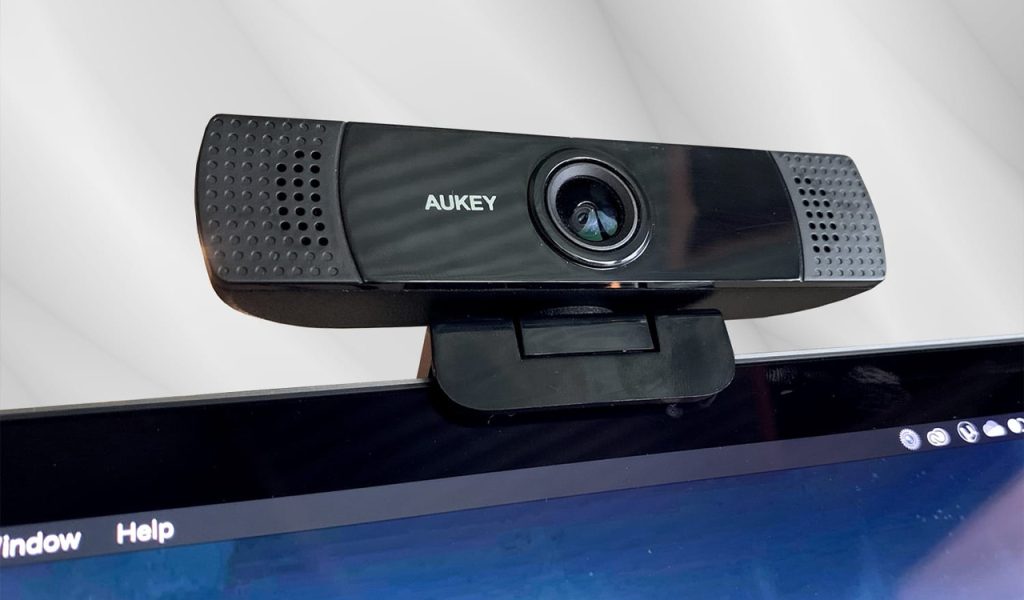
The AUKEY FHD camera is a 1080p full HD video webcam that connects via USB. With a wide-angle lens and Full HD resolution, it’s an affordable choice that can be installed on a flat surface for the best angle or attached to laptops or other flat screens. The FHD has two front-facing, stereo microphones that improve voice quality. A great option for designers on a low budget, the FHD webcam features a large focus zone that keeps face clean and sharp, and it is likely twice as resolution at full 1080p at 30 frames per second.
Logitech Brio Ultra HD Pro
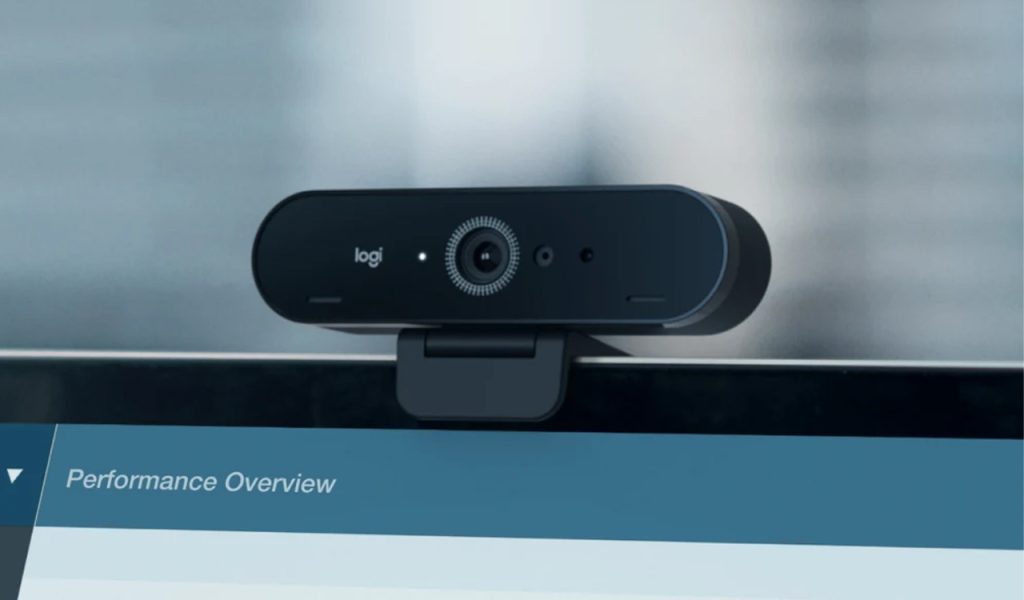
The Brio, which was introduced in 2017, offers remarkable 4K resolution and HDR, creating a balanced image and providing professional-quality video for clear, detailed views. With the webcam, focus and white balance can be manually adjusted using sliders instead of automatically focusing and adjusting the brightness. A manual privacy flip cover is included. One of the most helpful settings allows to choose between three different fields of view: 90, 78, and 65 degrees. Furthermore, built-in twin omnidirectional microphones with noise-canceling ability may generate exceptional, natural sound and eliminate the need for headphones.
Elgato Facecam
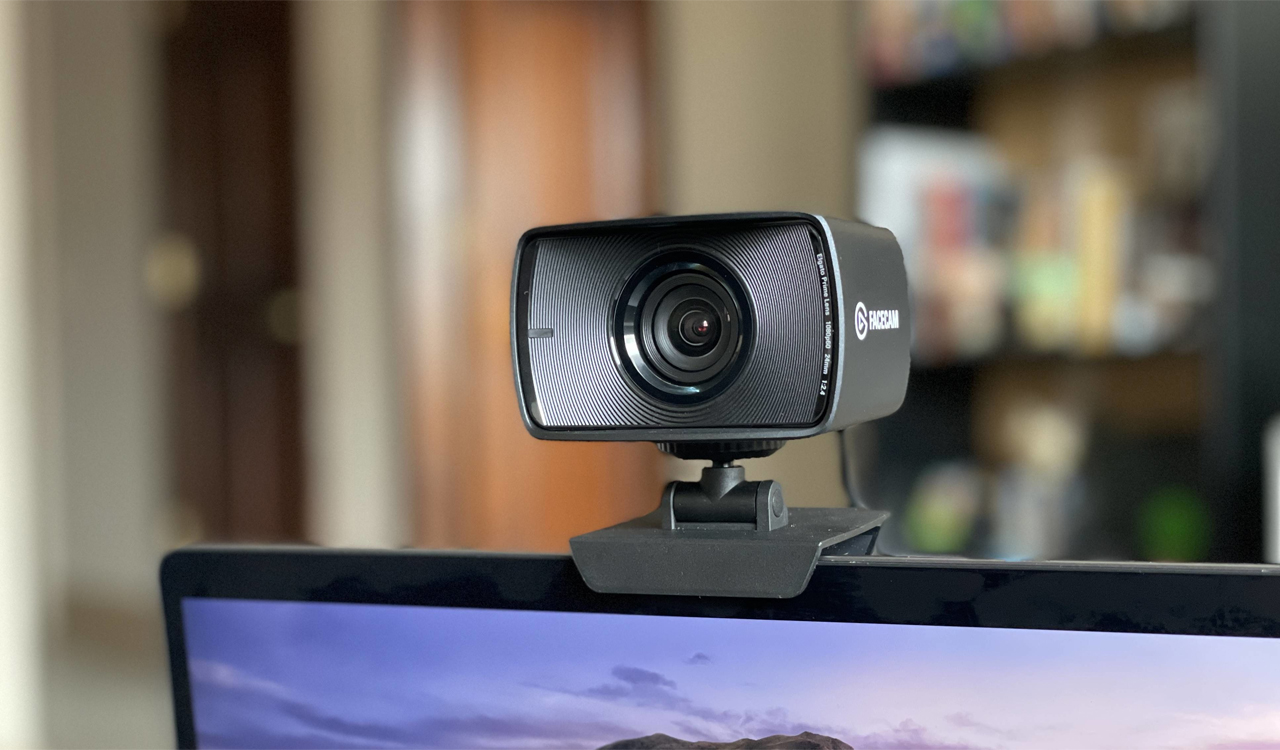
The Elgato Facecam was designed specifically for content creators. The Facecam can take video at 60 frames per second in 1080p. When recording, it produces a clear, detailed image with smooth, natural movements. It has a relatively wide 82-degree field of vision when recording. Elgato created the camera with DSLR-style controls, allowing it to adjust ISO and shutter speed manually. Additional options include direct balancing of light, motion, and noise. The Facecam’s configurable settings and studio-quality lenses allow for exact control over image and video streaming, making it an excellent choice for designers.
Razer Kiyo Pro
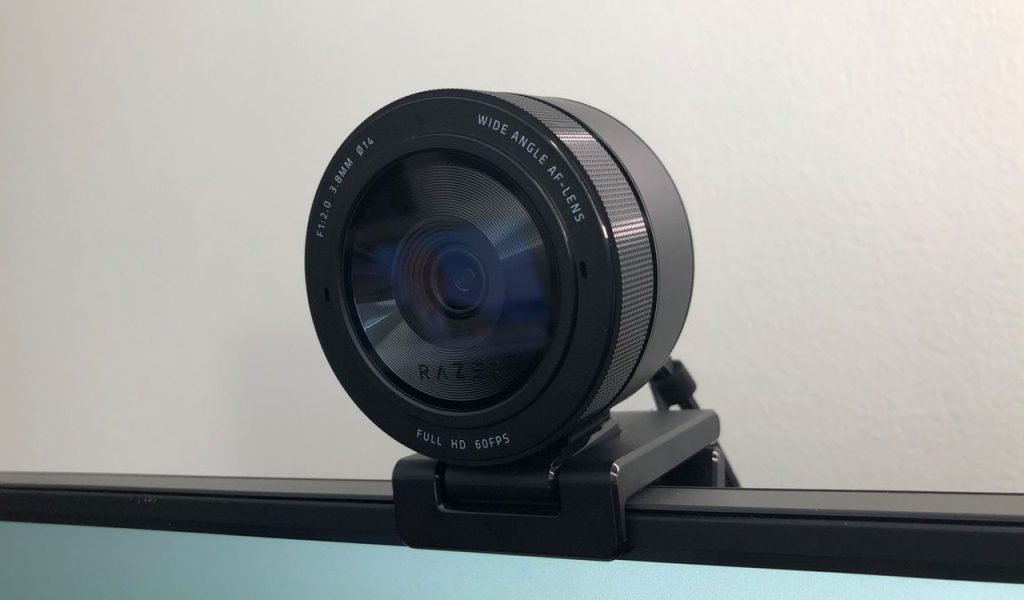
Launched in 2021, the Kiyo Pro resembles a wide-angle digital camera lens. The Kiyo Pro has 60 frames per second maximum 1080p video recording speed and 30 frames per second HDR video recording speed. With digitally cropped angles of 90 and 80 degrees, it has a 103 degree field of vision. The webcam captures a crisp, well-exposed image with smooth motion, but finer details are slightly subdued by noise. The Kiyo Pro’s adaptive light sensor is acclaimed for shooting exceptionally clear and sharp images in low light, offering the highest possible image quality in all lighting conditions.
AVerMedia PW513
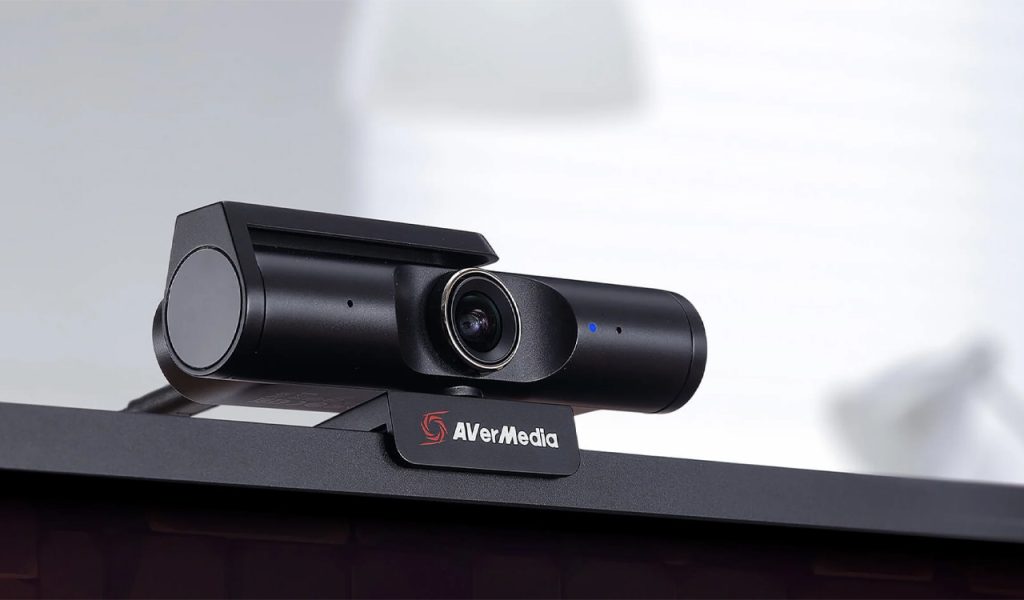
The flagship AVerMedia webcam is designed to provide excellent video quality and smooth performance. When the AVerMedia PW513 is not in use, security is guaranteed by its privacy shutter. The camera sports a fixed-focus F2.8 lens with 8MP resolution. It boasts an adjustable 94 degrees wide-angle lens with fast tilt and swivel adjustments, records 4K30 (or 1080p60) images, and includes software to help personalise the overall presentation. In addition, the AVerMedia PW513 features integrated microphones for crystal-clear audio in virtual meetings and plug-and-play connectivity via a detachable USB-C cable, reducing need for annoying driver installation.
